
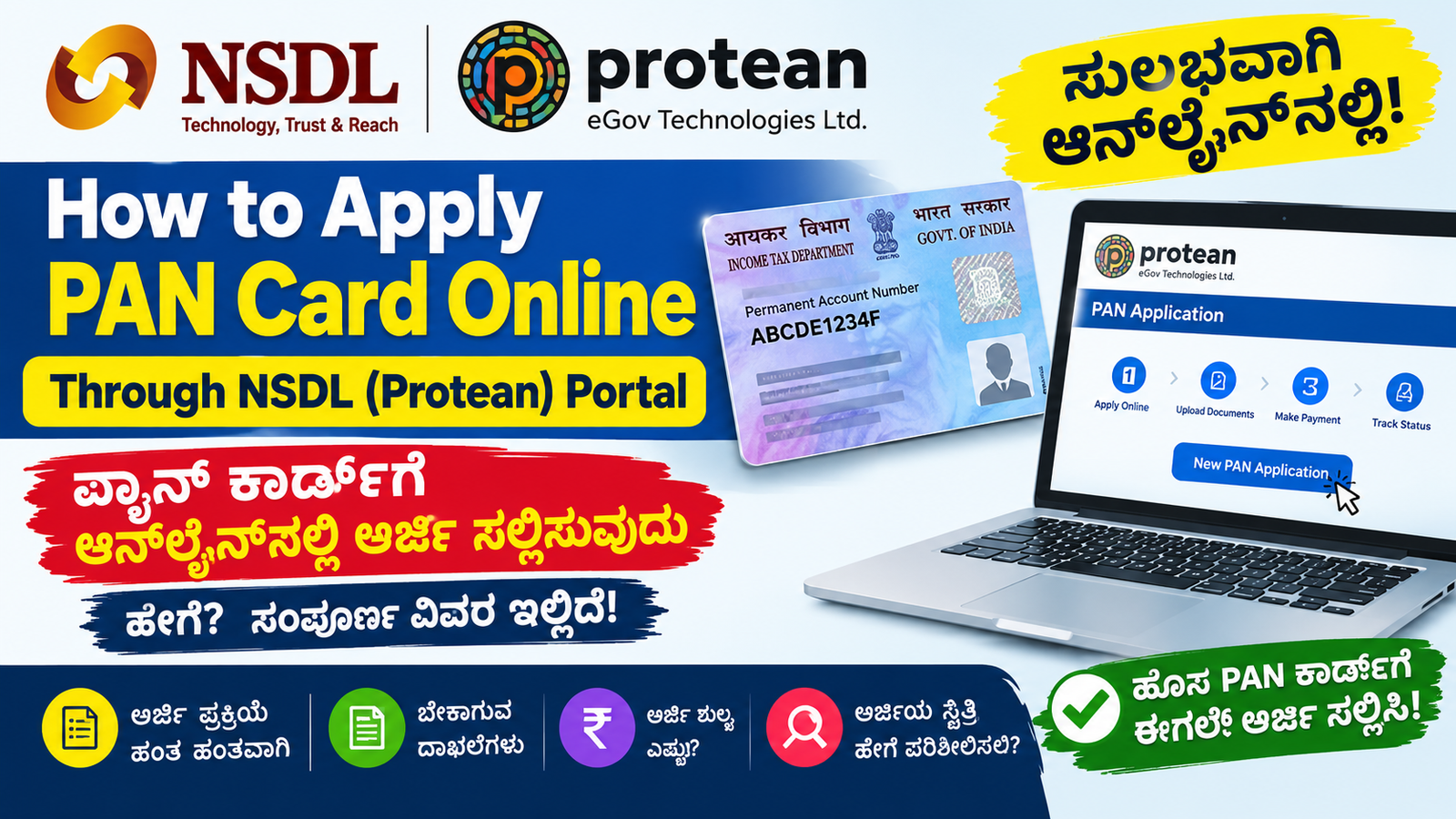
How to Apply for PAN Card Online Through NSDL (Protean) Portal –
Applying for a PAN card online has become easier with the official PAN application services provided by Protean eGov Technologies Limited, formerly known as NSDL e-Governance Infrastructure Limited. Indian citizens can apply for a new Permanent Account Number (PAN) through the official Protean portal by providing their personal details, submitting the required documents, completing verification and paying the applicable fee.
In this article, we explain how to apply for a new PAN card online through the NSDL (Protean) portal, which documents are required, how to pay the application fee, how to track the application status and how to avoid common mistakes.
Important: PAN application rules and forms changed from 1 April 2026. For individual Indian citizens, the current prescribed new-PAN application form is Form 93. Always follow the latest form and instructions displayed on the official portal.
PAN Card Online Application 2026 – Overview
| Particulars | Details |
| Document name | Permanent Account Number (PAN) |
| Issuing authority | Income Tax Department, Government of India |
| Online service provider | Protean eGov (formerly NSDL eGov) |
| Application type | New PAN application |
| Form for individual Indian citizens | Form 93 under the 2026 rules |
| Application mode | Online |
| Documents required | Identity, address and date-of-birth proof, as applicable |
| Application fee | Depends on application mode and card delivery option |
| Application status | Track using the acknowledgement/reference number |
| Official PAN services | https://tinpan.proteantech.in/services/pan/pan-index |
| Online application portal | https://onlineservices.proteantech.in/paam/endUserRegisterContact.html |
The Income Tax Department recognises Protean and UTIITSL as authorised online PAN application service providers. Applicants should use the official websites rather than third-party websites that claim to issue PAN cards.
What Is a PAN Card?
PAN stands for Permanent Account Number. It is a unique ten-character alphanumeric identification number issued by the Income Tax Department.
A PAN is used for income-tax-related activities and various financial transactions. It may be required for filing income tax returns, banking-related requirements, investments and other transactions prescribed under applicable rules.
Once allotted, a PAN remains valid for the lifetime of its holder, subject to applicable legal requirements.
Important: A person who already has a PAN must not apply for another new PAN. If the existing card is lost, damaged or contains incorrect information, use the appropriate reprint or correction service instead.
Who Can Apply for a New PAN Card Online?
A new PAN application can be submitted by an eligible person who has not previously been allotted a PAN.
Before applying, check the following:
- You need a PAN for tax-related, financial or other applicable purposes.
- You have not already been allotted a PAN.
- You can provide the required identity, address and date-of-birth documents.
- You have a valid mobile number and email address for application communication.
- You can complete the required verification and document-submission process.
For individual Indian citizens, the Income Tax Department currently prescribes Form 93 for a new PAN application. Different forms apply to foreign individuals and other types of entities.
Documents Required to Apply for a PAN Card
Prepare your documents before starting the online application. The exact documents depend on your circumstances and the current application requirements.
1. Proof of identity
Depending on the applicable rules, accepted documents may include:
- Aadhaar card
- Indian passport
- Driving licence
- Voter identity card
- Other government-issued identity documents permitted under the applicable rules
2. Proof of address
Accepted documents may include:
- Aadhaar card
- Indian passport
- Driving licence
- Voter identity card
- Eligible bank account statement
- Recent electricity, water or other accepted utility bill
- Other prescribed address-proof documents
3. Proof of date of birth
Examples of documents that may be accepted under the applicable rules include:
- Birth certificate
- Matriculation certificate or mark sheet
- Indian passport
- Driving licence
- Voter identity card
- Other prescribed documents containing the required date-of-birth details
Important update for 2026: Aadhaar is not accepted as proof of date of birth under the revised PAN application rules. You must provide a separate accepted date-of-birth document. Check the current official document list before submitting your application.
Not every document listed above proves all three details. For example, Aadhaar may be used for identity and address proof where permitted, but you must provide a separate accepted document for date of birth.
Official information: https://www.incometaxindia.gov.in/en/pan
How to Apply for a PAN Card Online Through the NSDL (Protean) Portal
Follow the steps below to submit your application.
Step 1: Visit the official Protean website
Open the official PAN services page:
This is the PAN services portal of Protean eGov Technologies Limited, formerly known as NSDL e-Governance Infrastructure Limited.
Find the option for a new PAN application and open the current application form.
You can also access the online application service through:
Check that you are on the genuine official domain before entering any personal information.
Step 2: Select the new PAN application option
Choose the option for applying for a new PAN, not the correction or reprint option.
For an individual who is an Indian citizen, the prescribed new application form under the 2026 rules is Form 93.
Read the instructions displayed on the portal carefully. The options and screen layout may change as the service provider updates its application system.
If you already have a PAN, do not submit a fresh application. Select the appropriate correction or reprint service instead.
Step 3: Enter your personal details
Fill in the requested details accurately, including the information applicable to your selected application form.
These may include:
- Full name
- Date of birth
- Contact details
- Residential or communication address
- Other details requested by the form
Enter your name according to the applicable instructions and supporting documents.
Check the spelling of your first name, middle name and surname. If your Aadhaar contains initials, follow the official instructions for expanding the name and providing supporting evidence.
Do not enter a guessed date of birth or use a different name merely to make the application match another document.
Step 4: Enter your mobile number and email address
Provide an active mobile number and a valid email address.
These details may be used for verification, application updates, acknowledgement information and electronic PAN communication.
Check the email address carefully before proceeding. If you enter an incorrect email address, you may miss important messages about your application.
Keep access to your registered contact details until the application is completed.
Step 5: Provide the required identity and address details
Complete the address and identification sections as instructed.
Make sure the residential address and communication address are correct. If the form allows you to select a separate communication address, choose the appropriate option and provide supporting documents where required.
An incorrect PIN code, incomplete house address or mismatched address proof can cause problems during processing.
Step 6: Submit the required supporting documents
Upload the documents requested by the portal if you select a digital application method.
Check that:
- Your document is clear and readable.
- All relevant details are visible.
- The document has not expired, where validity applies.
- The name and date of birth are consistent with the application.
- The file format and size meet the portal’s requirements.
If you choose an application method that requires physical document submission, follow the official instructions for sending the required documents.
Do not assume that uploading documents or paying the fee alone completes every verification requirement.
Step 7: Choose the applicable application and verification method
The application portal will indicate which submission and verification methods are available for your application.
Depending on eligibility and the options provided, the process may involve paperless e-KYC/e-Sign or another permitted document-submission method.
Read the instructions for your selected method carefully. Complete Aadhaar-based authentication only through the authorised process and only where applicable.
If the portal asks you to send supporting documents physically, follow the address and instructions specified by the service provider.
Step 8: Review the application before submitting
Before final submission, check every field carefully.
Pay particular attention to:
- Applicant’s name
- Date of birth
- Parent’s name, where requested
- Mobile number
- Email address
- Residential address
- Selected application type
- Supporting documents
- Communication address
The Income Tax Department states that an application cannot simply be edited after final submission. If an error is discovered after a PAN is allotted, a separate correction request may be necessary.
Therefore, review the information before submitting the application.
Step 9: Pay the applicable PAN application fee
Pay the fee displayed on the official portal for your selected application method and delivery option.
The amount depends on factors such as whether the application is submitted through a paper-based or paperless digital process, whether a physical PAN card is requested, and the communication address.
Use only the payment methods provided by the official portal. Do not transfer money to a personal UPI ID or an individual bank account claiming to be a PAN agent.
After payment, save the transaction details and receipt.
Step 10: Submit the application and save the acknowledgement number
Complete the final submission after verifying the application and payment details.
Save the acknowledgement or reference number displayed by the portal. Keep a copy of the submitted application and payment receipt, if provided.
The reference number is important because it helps you track the status of your application.
If the application is incomplete or supporting documents are deficient, it may not be processed successfully. Follow any official instructions issued by the service provider.
PAN Card Application Fees in 2026
According to the Income Tax Department’s current PAN information page, the listed charges are as follows.
| Application method | Physical PAN card | Fee for Indian communication address |
| Paper-based application | Required | ₹107 |
| Paper-based application | Not required | ₹72 |
| Digital paperless application using e-KYC/e-Sign/DSC | Required | ₹101 |
| Digital paperless application using e-KYC/e-Sign/DSC | Not required | ₹66 |
The digital application fee may include an additional e-Sign charge of ₹5.90 where applicable. Verify the final payable amount shown on the official portal before making payment.
These are the published amounts for the specified application methods. Fees for foreign communication addresses and other circumstances differ.
Note: Do not rely on old articles quoting earlier Form 49A fees without checking the current official fee schedule.
Also read: https://sathya-jobalerts.com/
How to Check PAN Card Application Status Online
After submitting your application, you can track its progress online.
- Visit the official Protean PAN services website.
- Open the PAN application status or tracking service.
- Select the relevant application type if requested.
- Enter your acknowledgement or reference number.
- Submit the details to view the current status.
- Follow any instructions shown if additional documents or verification are required.
Keep your acknowledgement number safe until the application is completed.
Official PAN services: https://tinpan.proteantech.in/services/pan/pan-index
If the status does not change immediately, allow time for processing. If the application remains pending beyond the expected period, contact the official service provider using the contact details published on its website.
How to Get Your PAN Card After Approval
Once your application has been processed and the PAN has been allotted, follow the instructions provided by the service provider.
If you selected electronic delivery, check the registered email address for the e-PAN communication.
If you requested a physical PAN card, check the delivery information and follow any available tracking instructions.
An e-PAN issued by the Income Tax Department is a valid form of PAN. You do not need to apply for another PAN simply because you have received the electronic version.
Common Mistakes to Avoid While Applying for a PAN Card
Avoid these mistakes to reduce the risk of delay or rejection.
1. Applying for a second PAN: Never submit a new PAN application if a PAN has already been allotted to you.
2. Using an outdated form: Follow the current 2026 application requirements rather than relying on old Form 49A instructions.
3. Using Aadhaar as date-of-birth proof: Aadhaar is not accepted as proof of date of birth under the revised rules effective from 1 April 2026. Provide an accepted alternative.
4. Entering the wrong name: Check spelling, initials and surname details carefully.
5. Uploading unclear documents: Make sure that the information on each document is readable.
6. Entering the wrong mobile number or email address: Use contact details that you can access.
7. Paying through unofficial links: Use only the authorised portal and payment methods.
8. Forgetting the acknowledgement number: Save the reference number and payment receipt immediately after submission.
9. Submitting incomplete information: Check all mandatory fields and document requirements before final submission.
10. Assuming payment means approval: Payment does not guarantee allotment. The application must meet the applicable requirements and complete processing.
Alternative: Apply for a Free Instant e-PAN
If you need only an electronic PAN and meet the eligibility conditions, the Income Tax Department also provides a free Instant e-PAN service.
This service is different from the Protean application process.
Eligible applicants generally must:
- Be an individual who has never been allotted a PAN.
- Have a valid Aadhaar.
- Have an active mobile number linked to Aadhaar.
- Not be a minor on the date of the request.
- Meet the other conditions specified by the Income Tax Department.
The service uses Aadhaar-based verification and does not charge an application fee. It issues an electronic PAN rather than a physical card.
Apply through the official Income Tax e-Filing portal: https://www.incometax.gov.in/iec/foportal/help/all-topics/e-filing-services/instant-e-pan
If you need a physical card, cannot use Instant e-PAN, or do not meet its eligibility conditions, check the appropriate application options on the authorised PAN service provider’s website.
Frequently Asked Questions (FAQs)
1. How can I apply for a PAN card online through NSDL?
Visit the official Protean PAN services website, select the appropriate new-PAN application option, enter your details, provide the required documents, complete verification, pay the applicable fee and save your acknowledgement number.
2. Which form is required for a new PAN card in 2026?
Under the Income Tax Rules, 2026, Form 93 is prescribed for individual Indian citizens. Different forms apply to foreign individuals and non-individual entities. Always confirm the correct form on the official portal.
3. Is Aadhaar enough to apply for a PAN card?
Aadhaar may be required for identification and applicable verification, but under the revised rules effective from 1 April 2026, it is not accepted as proof of date of birth. A separate accepted document is required for date-of-birth proof.
4. What is the PAN card application fee in 2026?
The Income Tax Department lists ₹107 for a paper-based application with a physical card, ₹72 without a physical card, ₹101 for a paperless digital application with a physical card, and ₹66 without a physical card for an Indian communication address. Verify the final amount on the official portal.
5. Can I apply for a new PAN if I have lost my existing card?
No. If a PAN has already been allotted, you must not apply for another one. Use the authorised reprint or e-PAN download service instead.
6. How can I track my PAN application?
Visit the official PAN service provider’s website, open the application tracking service and enter your acknowledgement or reference number.
7. Is an e-PAN valid without a physical card?
Yes. An e-PAN issued by the Income Tax Department is a valid form of PAN. A physical card is not required merely to make the PAN valid.
Conclusion
Applying for a PAN card online through the NSDL (Protean) portal is straightforward when you follow the current instructions, provide accurate information and submit the correct supporting documents.
Before applying, confirm that you do not already have a PAN, prepare acceptable identity, address and date-of-birth proofs, check the applicable fee and save your acknowledgement number after submission.
Because PAN application requirements changed in April 2026, always consult the official Income Tax Department website and the authorised Protean portal before completing your application.
Official links:
- Protean PAN services: https://tinpan.proteantech.in/services/pan/pan-index
- Online PAN application: https://onlineservices.proteantech.in/paam/endUserRegisterContact.html
Disclaimer: This article is intended for general informational purposes. It is not an official government publication. Application forms, document requirements, fees and procedures may change. Applicants should verify the latest instructions through the official Income Tax Department and authorised PAN service provider websites before applying.
